Week 1: Developer journal


To begin the week we looked at JavaScript through looking at a given program to explore how it worked and expand upon it.
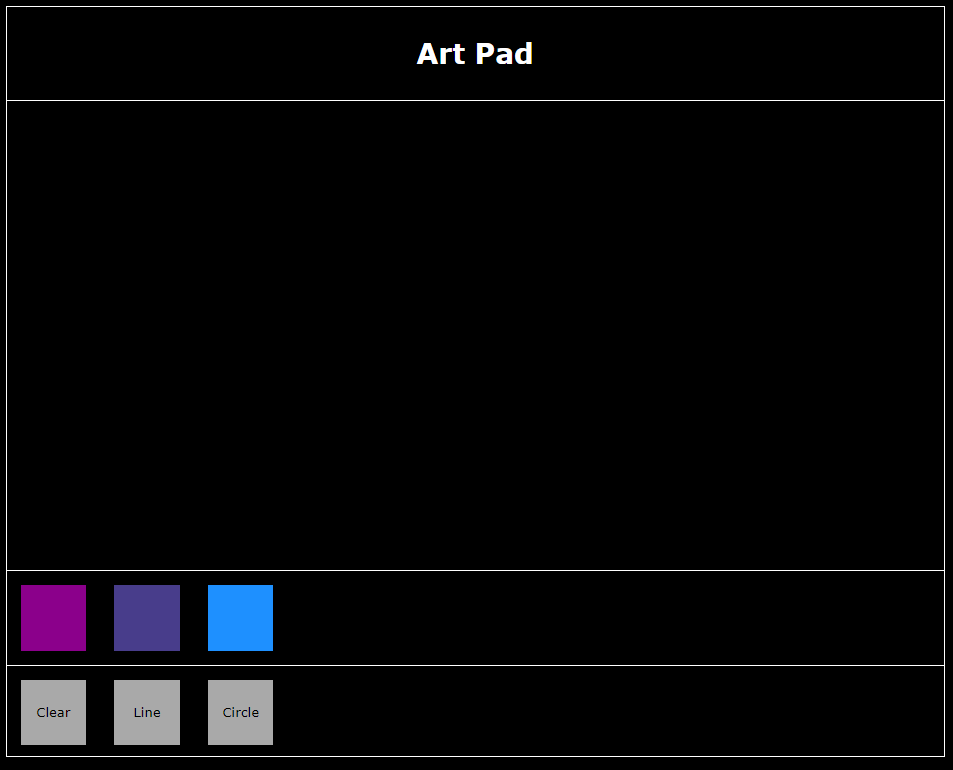
This is what we were initially given to work with to explore and expand upon.

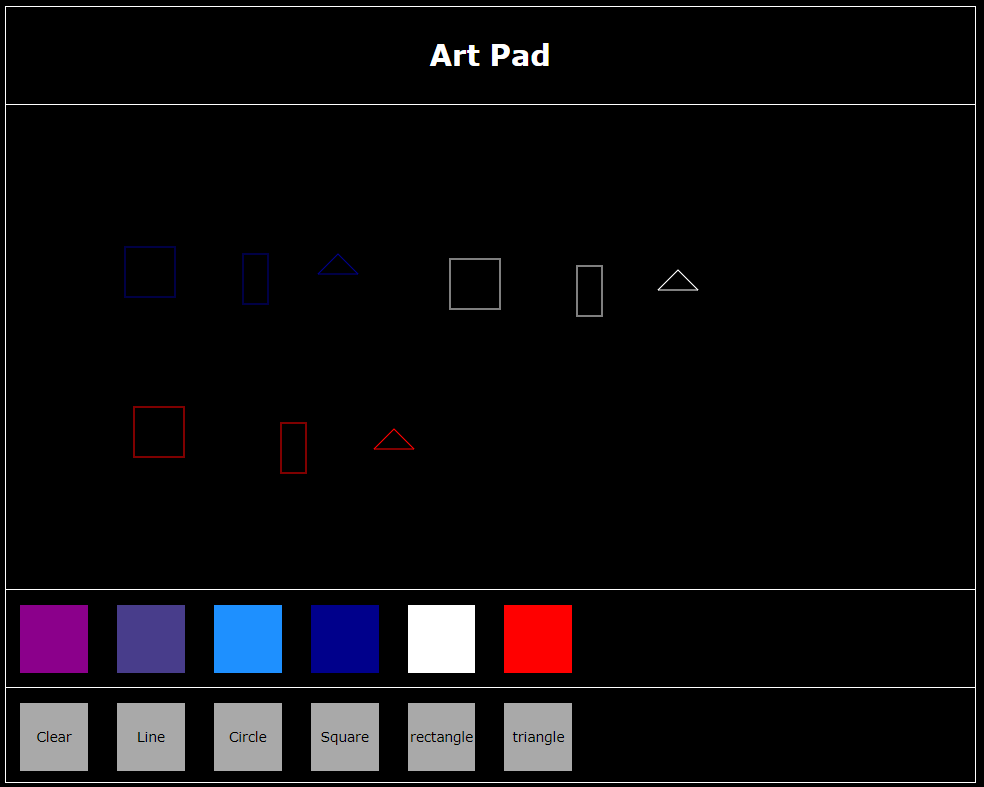
This is what it looks like after my additions which I did “draw” on each shape and colour I added on to the canvas to show that they all work and what they look like
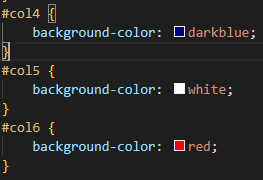
Adding colours was simple to do so I just added a few and this is the code for the colour which is define the colour id (for example col4) then giving what colour it is through background-colour.
This is for then adding the button for each of the added colour again was simple to do where you give it the id from before and give it to the class of the colour selector button which was already made when given the project so not going to show.

This is for adding the buttons for the brushes very similar to adding the colour buttons.
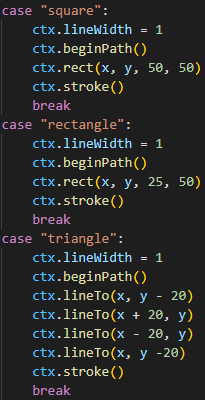
This is each of the brush shapes I added for the square and rectangle it was rather simple through the rect method in JavaScript with the x and y based of the mouse position and the set length and width for the square 50*50 and for the rectangle 25*50.
For the triangle I had a lot more trouble figuring out how to do it in the end I did still using the x and y position of the mouse but doing it creating it point to point around the mouse.

Also this week was looking at the first programming fundamental tasks which was about creating flowcharts through first by choosing a mechanic from a game to explore and then exploring how to implement a flowchart of a given scenario.
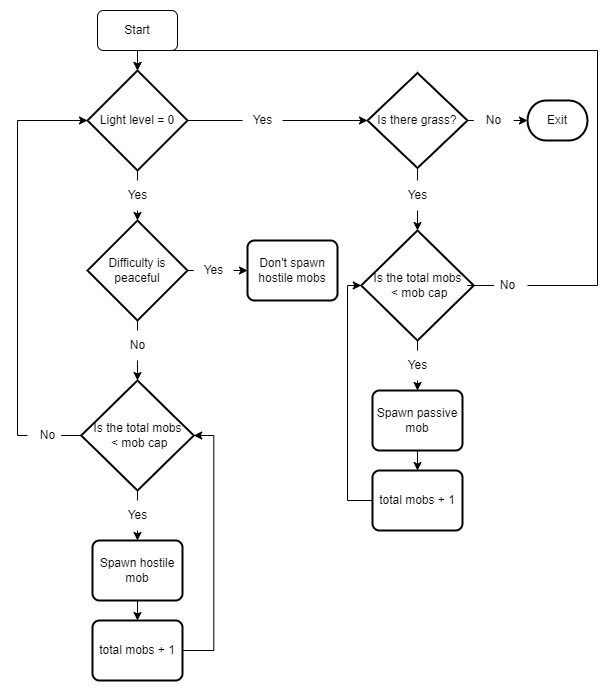
The mechanic I chose to explore was spawning mobs in Minecraft.
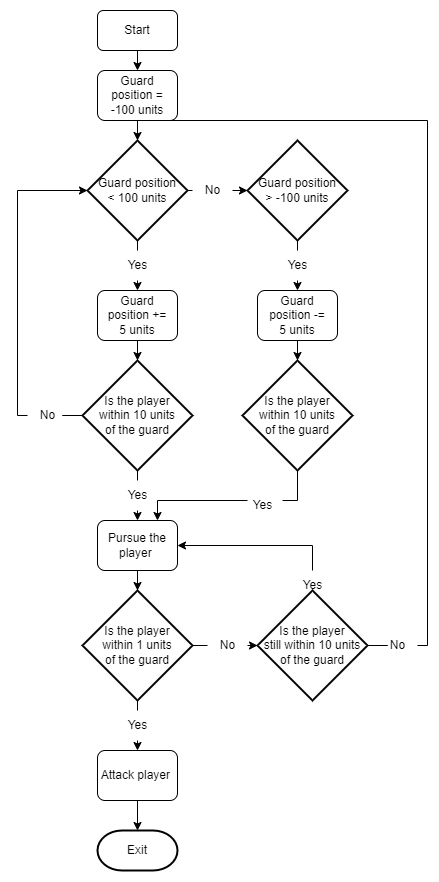
This is following the given situation of a guard patrolling, pursuing and attacking the player.